RGBThree bytes a pixel. The normal working mode
convert("L")One byte a pixel, by luminance weighting
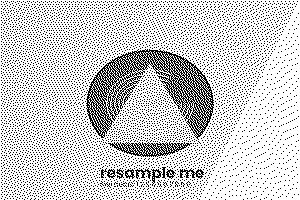
convert("1")One bit, dithered by default
convert("1", dither=NONE)A hard threshold at 128
convert("P", ADAPTIVE, 16)Sixteen colours chosen from the picture
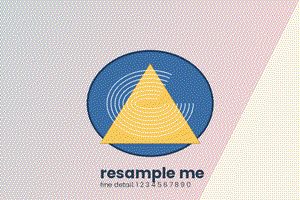
convert("P", WEB)A fixed 216 colour palette. Visibly worse
| From, to | What you lose | Reversible |
|---|---|---|
| RGB to L | All colour | No |
| RGB to P | All but 256 colours | No |
| RGBA to RGB | Transparency, replaced by black unless you composite | No |
| L to RGB | Nothing, but the file gets three times bigger | Yes |
| P to RGB | Nothing | Yes, through quantize |
| RGB to CMYK | Colours outside the print range, and Pillow's conversion is naive | Roughly |
| Anything to 1 | Everything except black and white | No |
L = R * 299/1000 + G * 587/1000 + B * 114/1000
Green counts for more than half because human vision is most sensitive to it. Averaging the three channels instead gives a noticeably flatter, muddier greyscale, which is why hand rolled conversions usually look wrong.
flat = Image.new("RGB", im.size, "white")
flat.paste(im, mask=im.split()[3])
A plain convert("RGB") puts black behind the transparent parts. See cannot write mode RGBA as JPEG.
Pillow's RGB to CMYK conversion is a simple formula with no colour profile involved. It is fine for a rough separation and wrong for print work. For that, use ImageCms with real ICC profiles.
print(im.mode, im.getbands())
Try the conversions on your own picture in the mode viewer, and see concepts for what the modes mean.